
Machine and software
Zipla Billing Machine with 12 months of Zipla POS
₹4,999
One 58mm Bluetooth printer and 12 months of Zipla POS. To continue after 1 year, Zipla POS is ₹4,999 a year. Delivery in 3 to 4 working days after dispatch.
Buy nowZipla Billing Machine
For Indian food businesses
Billing, GST invoices, QR ordering and KDS for Indian restaurants, cafes, QSRs, bakeries, sweet shops and dhabas.
Zipla Billing Machine is a 58mm Bluetooth printer. It comes with 12 months of Zipla POS for ₹4,999. Zipla POS is simple, fast billing software made for your phone.
Short answer: Restaurant billing software for India with counter billing, GST invoices, payment tracking, QR ordering and relevant kitchen workflows for Indian restaurants, cafes, QSRs, bakeries, sweet shops and dhabas.
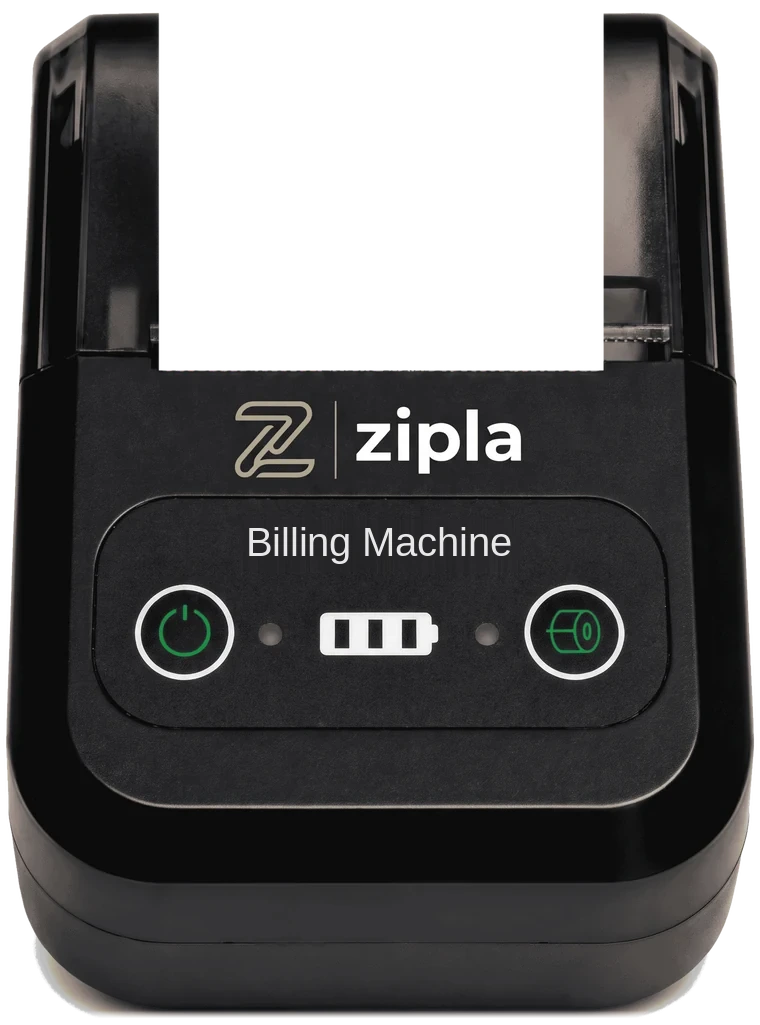
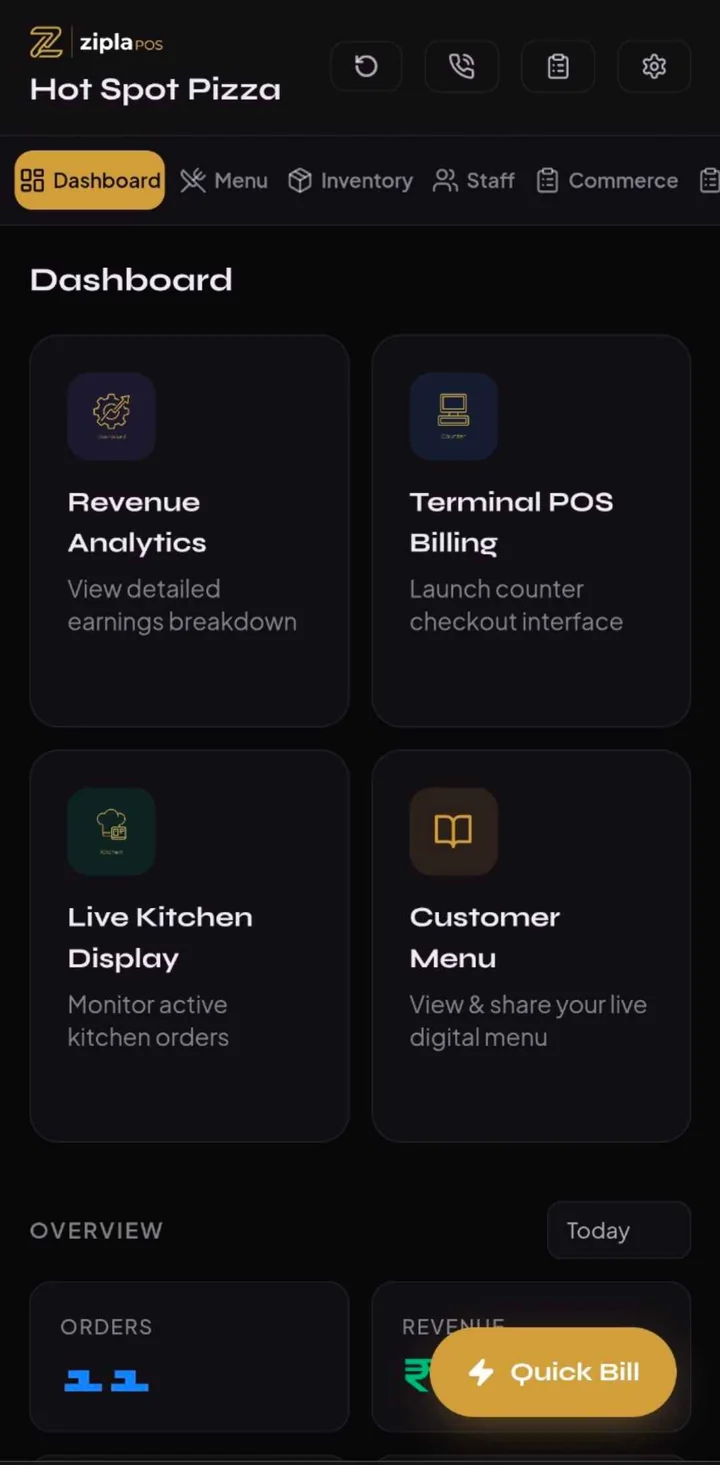
Zipla Billing Machine with 12 months of Zipla POS
See pricingTo continue after 1 year, Zipla POS is ₹4,999 a year.
Start 14-Day Free Trial No credit card required
Other plans
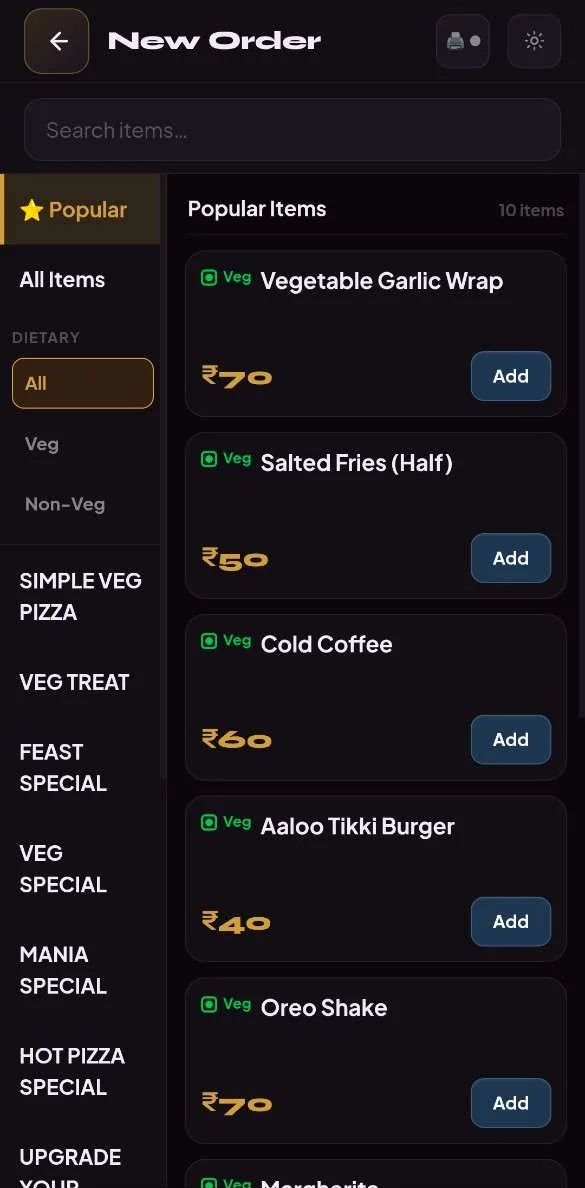
Zipla Billing Machine and 12 months of Zipla POS
1 year on the motherboard. Repair support. No cover for physical damage. Terms are in the Refund Policy.
3 to 4 working days after dispatch
How do I start billing with the Zipla Billing Machine?
Order
Buy the Zipla Billing Machine online. It is delivered in 3 to 4 working days after dispatch.
Connect
Pair the printer over Bluetooth, log in to Zipla POS and add your menu.
Bill
Print GST bills and KOTs and take QR orders.
Restaurant billing software is a system that helps a food business create bills, apply configured GST, record payments and connect relevant ordering or kitchen steps.
Indian restaurant, cafe, QSR, bakery, sweet-shop and dhaba owners choosing or replacing a billing system.
Use a small real menu and check payment, printing, QR ordering or kitchen handoff before you switch.
Choose the plan around your current service model, not a generic feature checklist.
| Operational need | Relevant Zipla POS workflow |
|---|---|
| Counter service: billing, GST invoices and payment marking | The Complete plan covers counter billing, GST invoices and payment-mode tracking. See pricing. |
| Table service: customer orders and kitchen handoff | The Complete plan also covers Kitchen Display System (KDS), table QR ordering, Bluetooth KOT auto-print, sales analytics and day-close reports. |
| Home orders: customer details and phone-based status tracking | Use Customer QR Home Ordering for name, phone number and address capture, cashier order alerts, kitchen handoff and customer status tracking from accepted to preparing to completed. |
| Weight-, piece- or fixed-price items | Use the dedicated Bakery or Sweet Shop workflow for products sold by weight, piece, or fixed price. |
Choose an outlet type to see the operational workflow and plan that fit its day-to-day service.
Compare the service workflow before choosing a plan.
For Restaurants
Counter and table service in one workflow, with KDS and table QR ordering.
For Cafes
Counter checkout with payment tracking, table ordering and kitchen handoff when relevant.
For Bakeries
Bill weight-, piece- and fixed-price items from one counter workflow.
For Sweet Shops
Bill mithai and counter items sold by weight, piece, or fixed price.
For QSRs
Counter billing first, with a kitchen queue when orders need a handoff.
For Dhabas
Counter billing, GST invoices, payment tracking and supported bill printing.
See how customer orders move from the counter, table or home to payment, kitchen handoff and daily review. Actual Zipla POS screens are marked; illustrative concepts are clearly labelled.
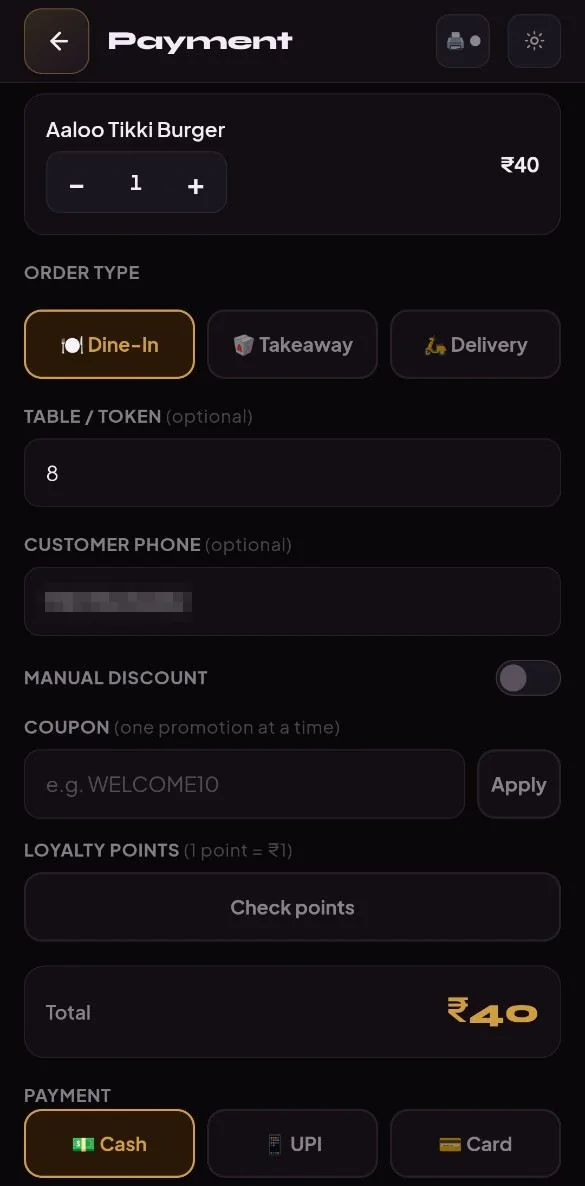
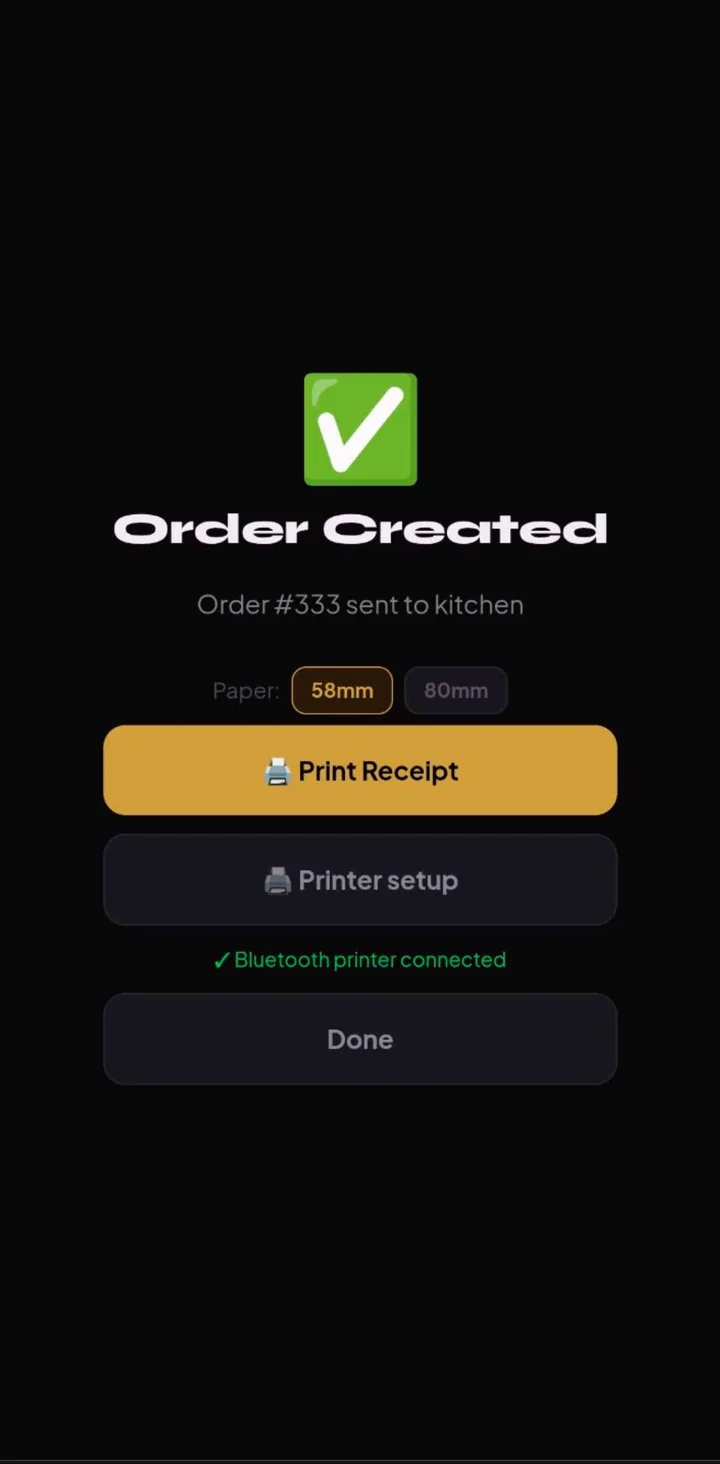
Select customer items from the counter screen.
Record cash, UPI, or card payment for the bill.
Generate the bill with configured tax rules.
Hand over printed slip or share digital invoice.
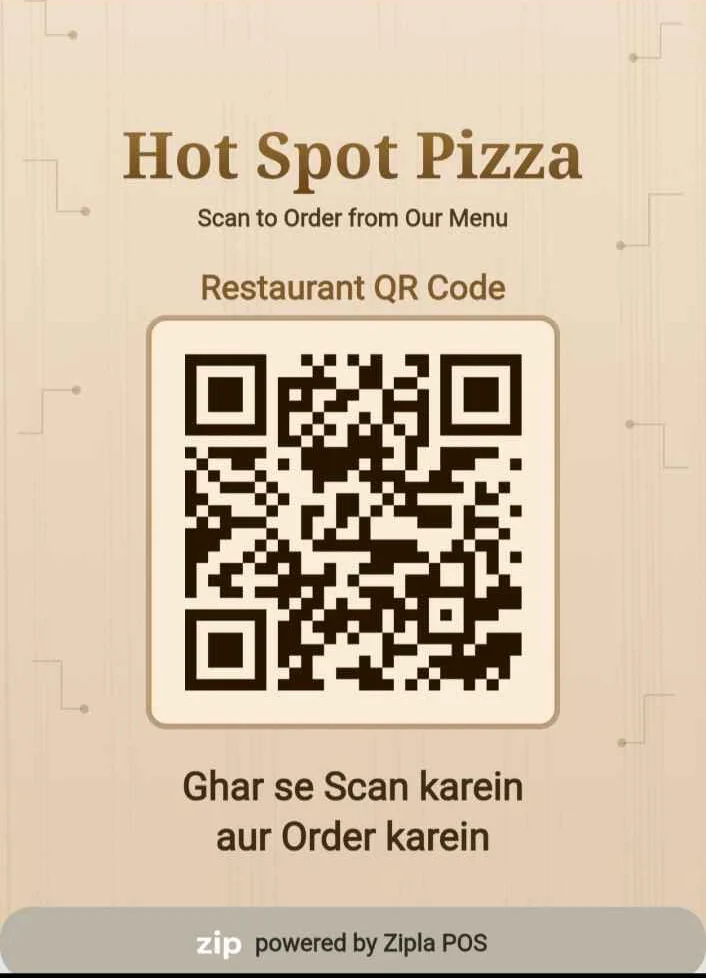
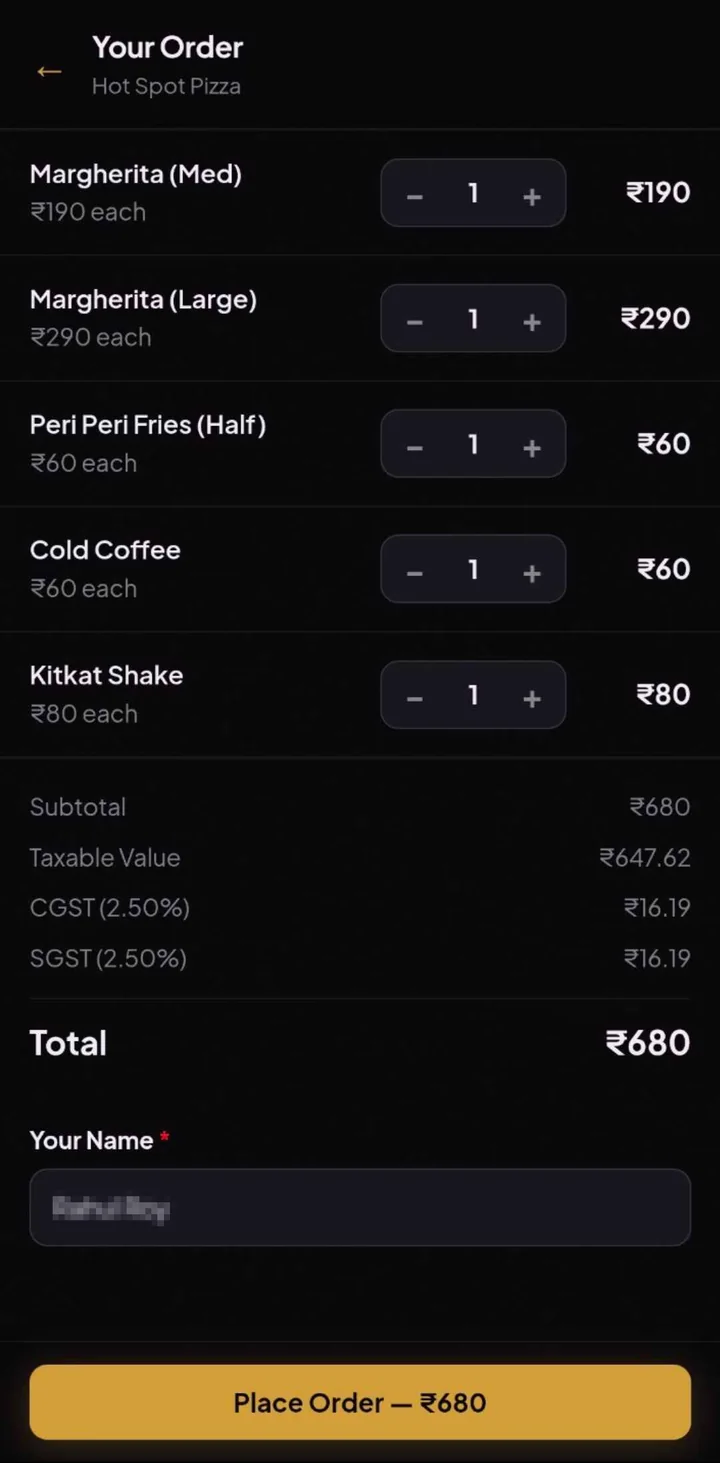
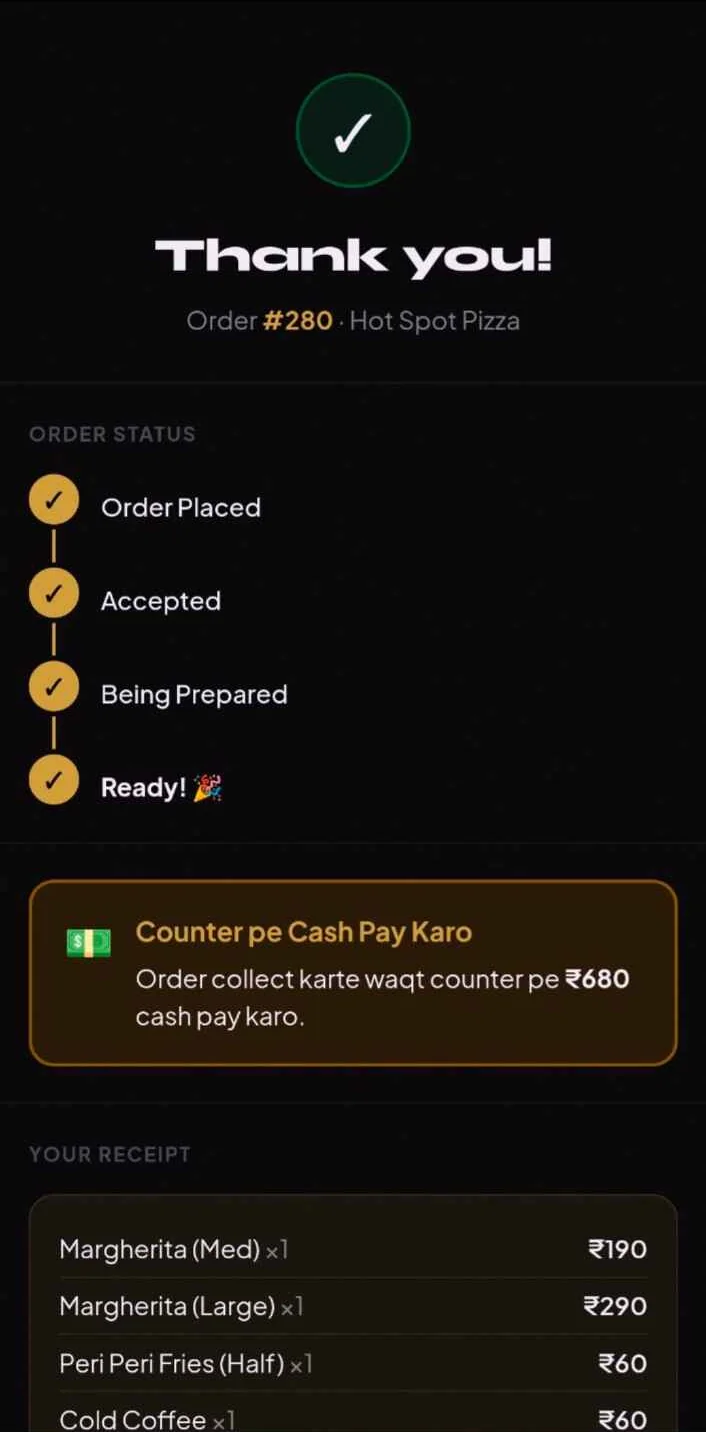
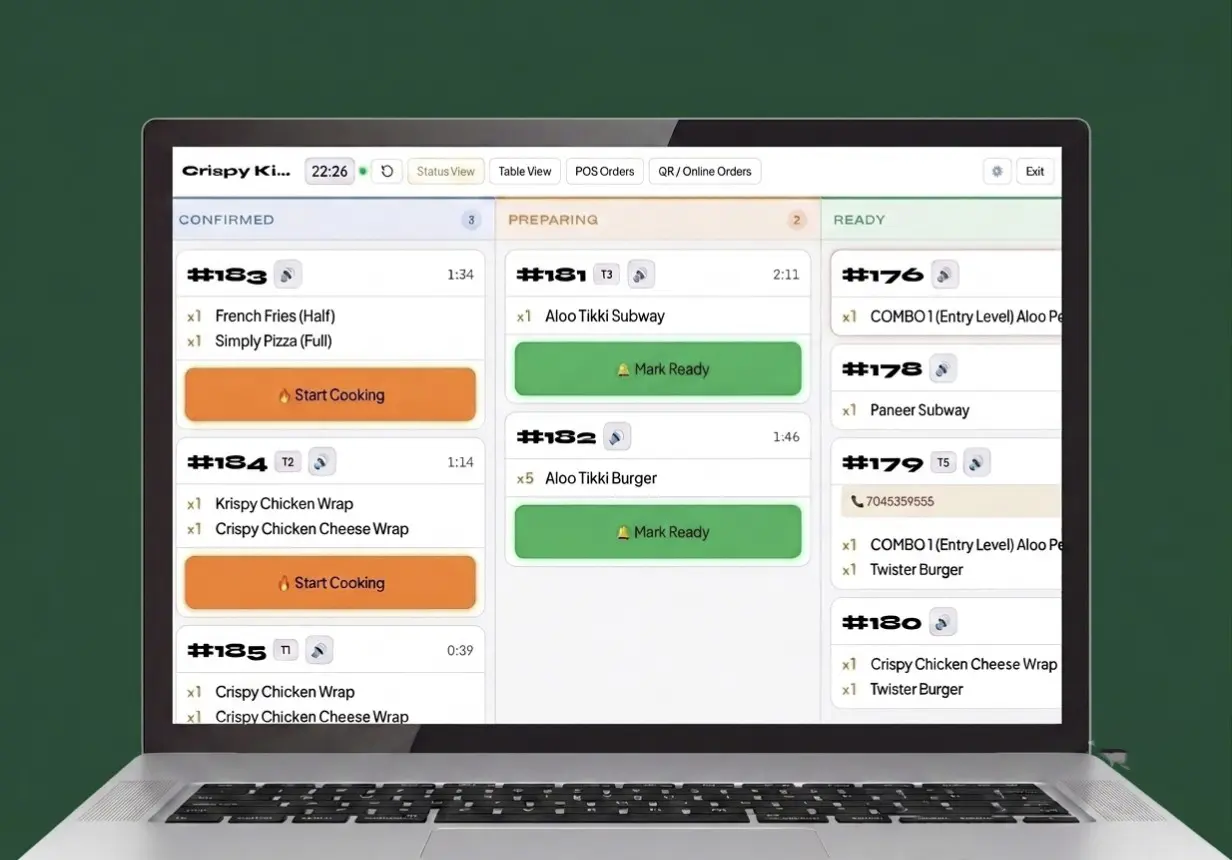
Use table QR in the outlet or Customer QR for a home order.
For a home order, the customer adds their name, phone number and address.
The new order reaches the cashier for acceptance before kitchen handoff.
The customer can follow accepted, preparing and completed status on their phone.
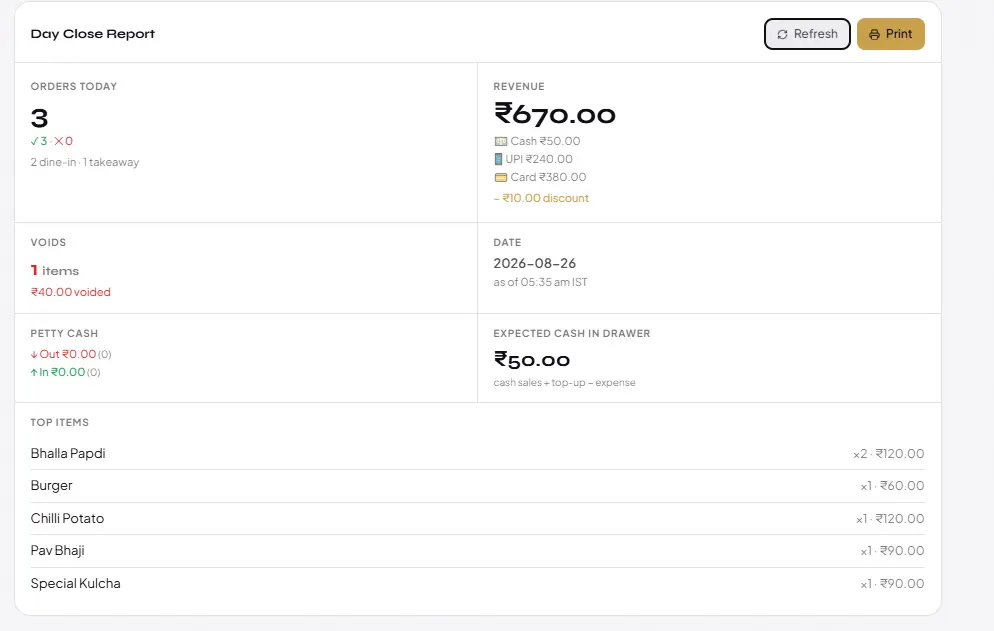
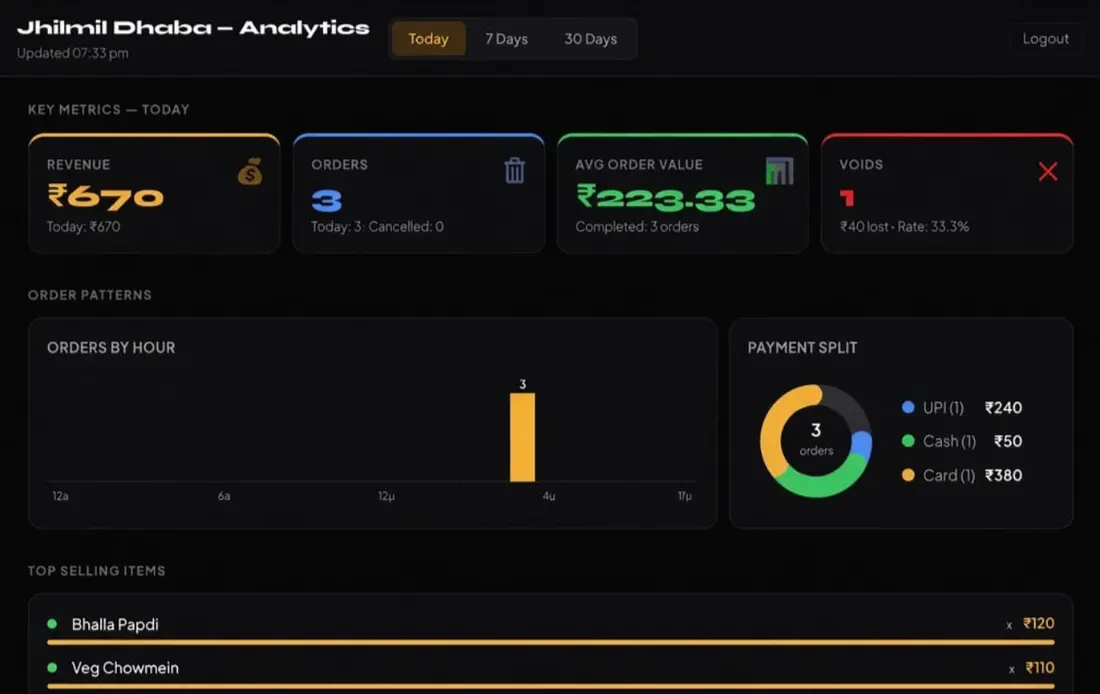
Close remaining active customer table sessions.
Reconcile collected cash, UPI, and card totals.
Audit canceled items and discounts for leakage.
Access complete sales performance from owner view.
Choose the workflow that matches your outlet: counter checkout, table service, customer home ordering, kitchen handoff, or weight- and piece-based billing.
The Complete plan also supports Mobile POS, barcode scanning for packaged inventory, automatic GST calculation and online payments through the restaurant's own Razorpay account when internet is available.
Choose a plan around the operational handoff your team needs to manage.
| Operational Need | Relevant Zipla POS Workflow |
|---|---|
| Counter rush: bill, payment marking and GST invoice in one checkout | The Complete plan covers counter POS billing, GST invoices and payment-mode tracking. See plan pricing → |
| Table orders that need a clear kitchen handoff | It also covers Kitchen Display System (KDS), table QR ordering, Bluetooth KOT auto-print, sales analytics and day-close reports. |
| Home orders that customers should track on their phone | Customer QR ordering lets a customer enter their name, phone number and address, receive order-status updates, and follow the cashier-to-kitchen handoff from accepted to preparing to completed. |
| Weight-, piece- or fixed-price items at the same counter | Use dedicated workflows for Bakery or Sweet Shop for items sold by weight, piece, or fixed box price. |
Complete restaurant billing and ordering software for growing restaurants, cafes, bakeries, QSRs and dhabas.
Same Complete plan — ₹11,999 for 3 years prepaid
14-day free trial • No credit card required
Review the workflow in a demo before you start
Machine and software
Zipla Billing Machine with 12 months of Zipla POS
₹4,999
One 58mm Bluetooth printer and 12 months of Zipla POS. To continue after 1 year, Zipla POS is ₹4,999 a year. Delivery in 3 to 4 working days after dispatch.
Buy nowPayments are processed by Razorpay. Questions before you pay? Message us on WhatsApp at +91 7817851009.
These answers cover Table QR Ordering, Customer QR Home Ordering, Bluetooth printing, data access, menu setup, connectivity, and product support.
Yes. Share your details and we’ll walk you through the relevant Zipla POS workflow on WhatsApp.